Dark Mode: Comfortable Viewing Day and Night
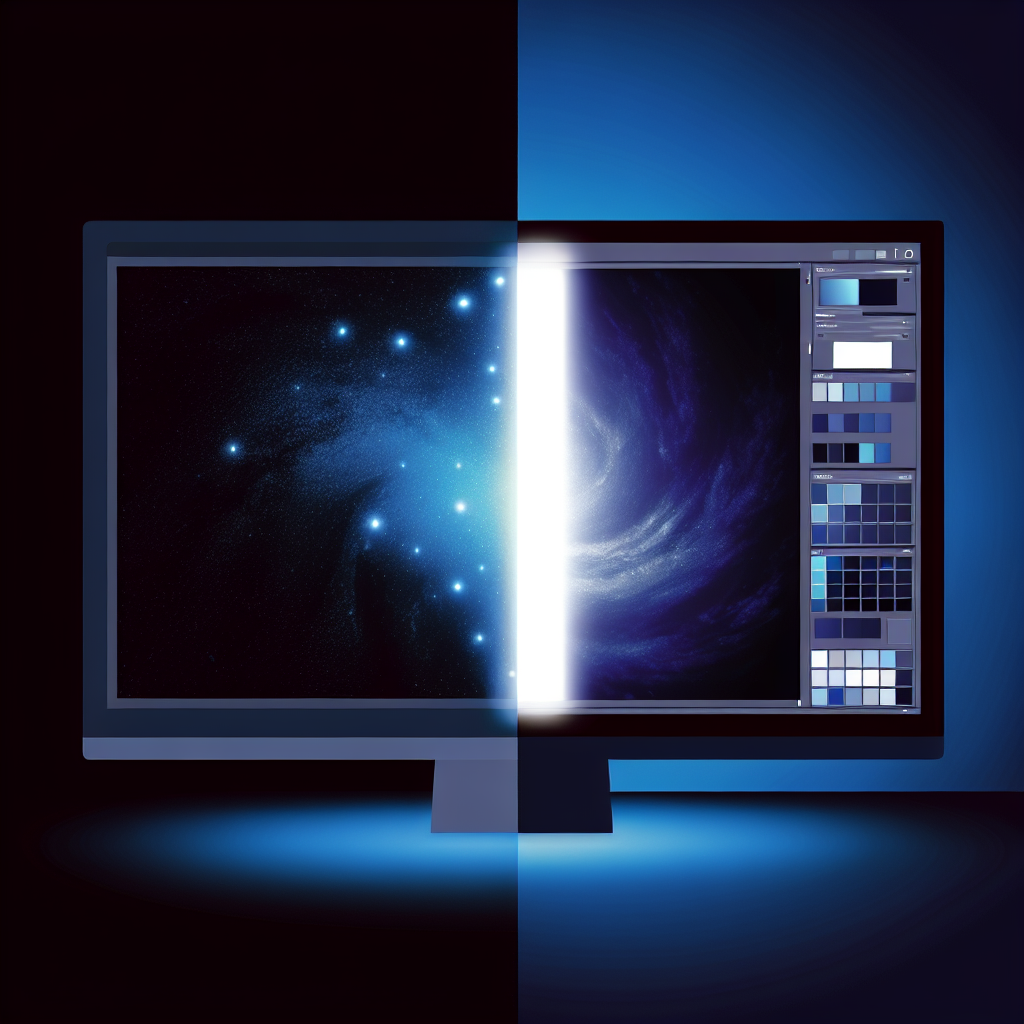
Long editing sessions are easier on the eyes with dark mode. Sofia Creative offers a full dark theme that covers every screen — from the dashboard to the content editor to the approval queue.
One-Click Toggle
Switch between light and dark themes using the toggle in the sidebar or navigation bar. Your preference is saved to your account, so it persists across sessions and devices.
Complete Coverage
Dark mode isn't just a surface-level color swap. Every component is designed for both themes:
- Dashboard widgets and charts with dark-optimized colors
- Content editor with comfortable contrast for reading and writing
- Kanban boards and calendar with clear card visibility
- Approval queue with readable status indicators
- Settings panels and modals with consistent dark styling
Accessibility Considerations
Our dark mode maintains WCAG AA contrast ratios for text readability. Links, buttons, and interactive elements remain clearly distinguishable. Focus indicators are visible in both themes.
Reduced Eye Strain
Dark backgrounds with light text emit less overall light, reducing eye fatigue during extended work sessions. This is especially beneficial for team members who spend hours reviewing and editing content daily.
System Preference Support
Sofia Creative can also follow your operating system's appearance setting. If your OS switches to dark mode at sunset, Sofia Creative follows automatically.