Article Wizard Step-by-Step Guide


Welcome to the Article Wizard guide. Follow these 5 steps to create your first article.
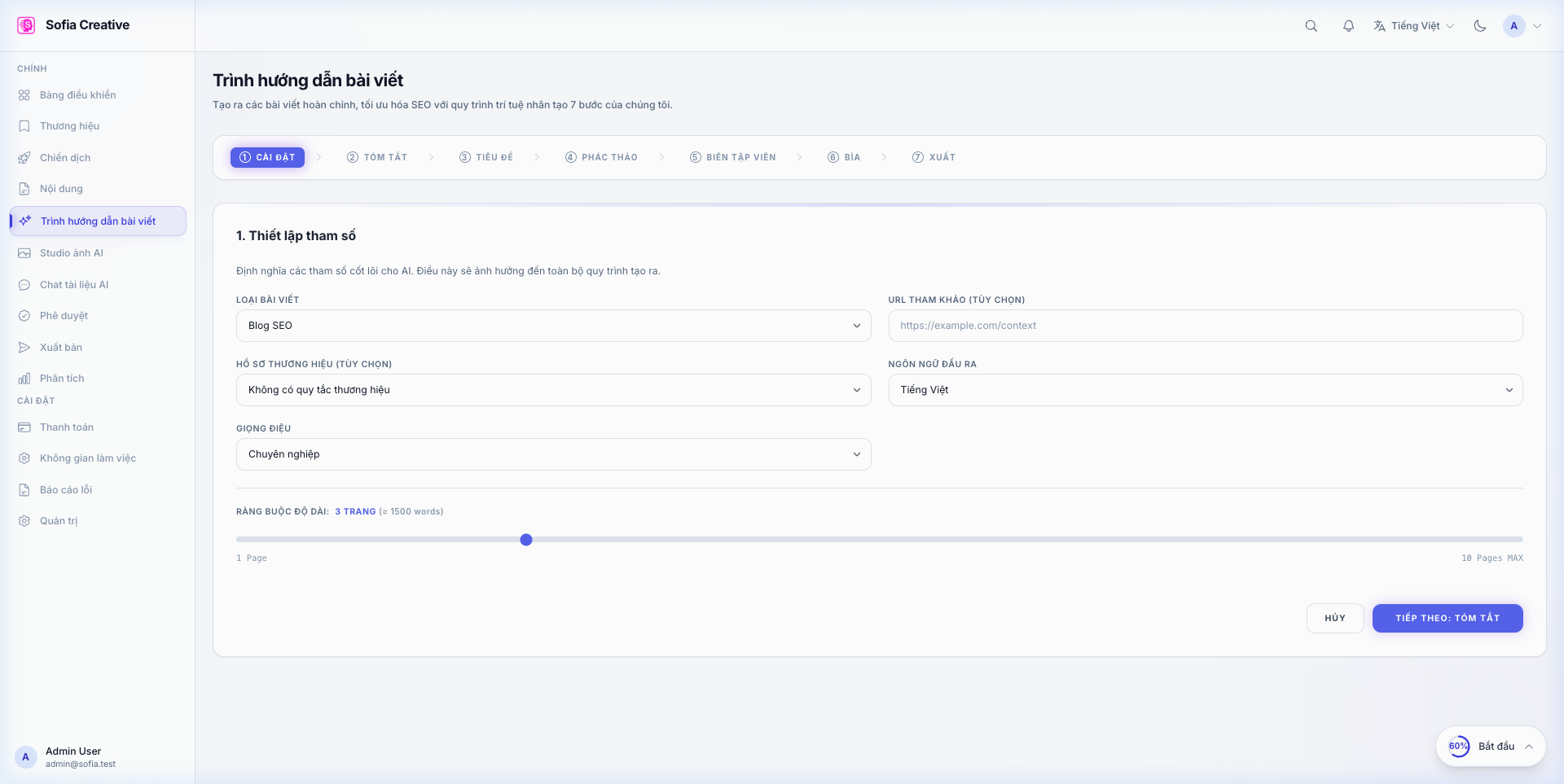
Step 1: Setup Parameters (Settings)
In this step, you need to select the Article Type (SEO Blog, Social Media Script, Novel...), Language, and Tone. You can also adjust the article length using the slider.
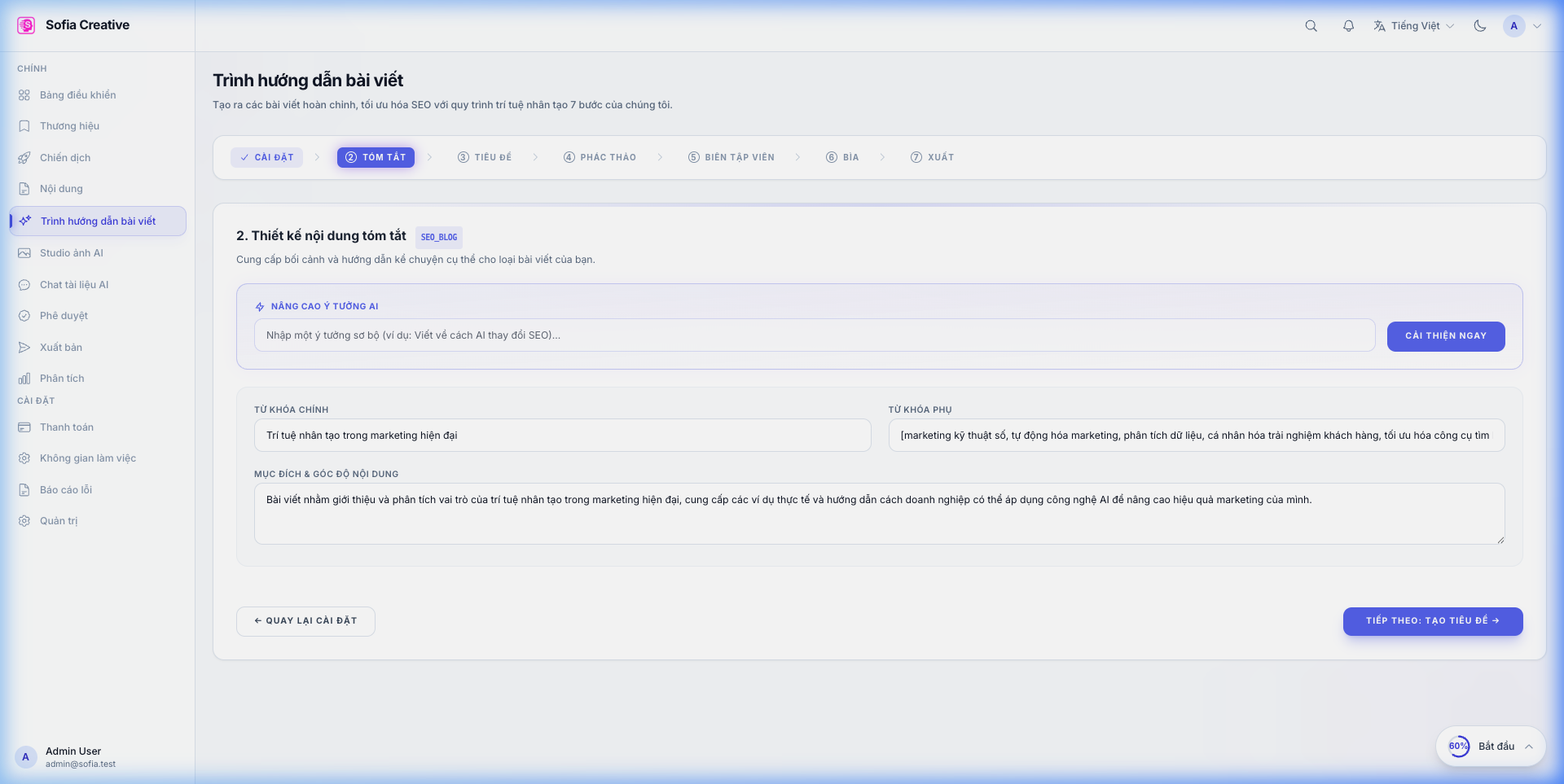
Step 2: Develop Idea (Brief)
Enter your raw idea (e.g., "Benefits of organic coffee"). Click Enhance Now, and the AI will help you add primary and secondary keywords and define the article goal.
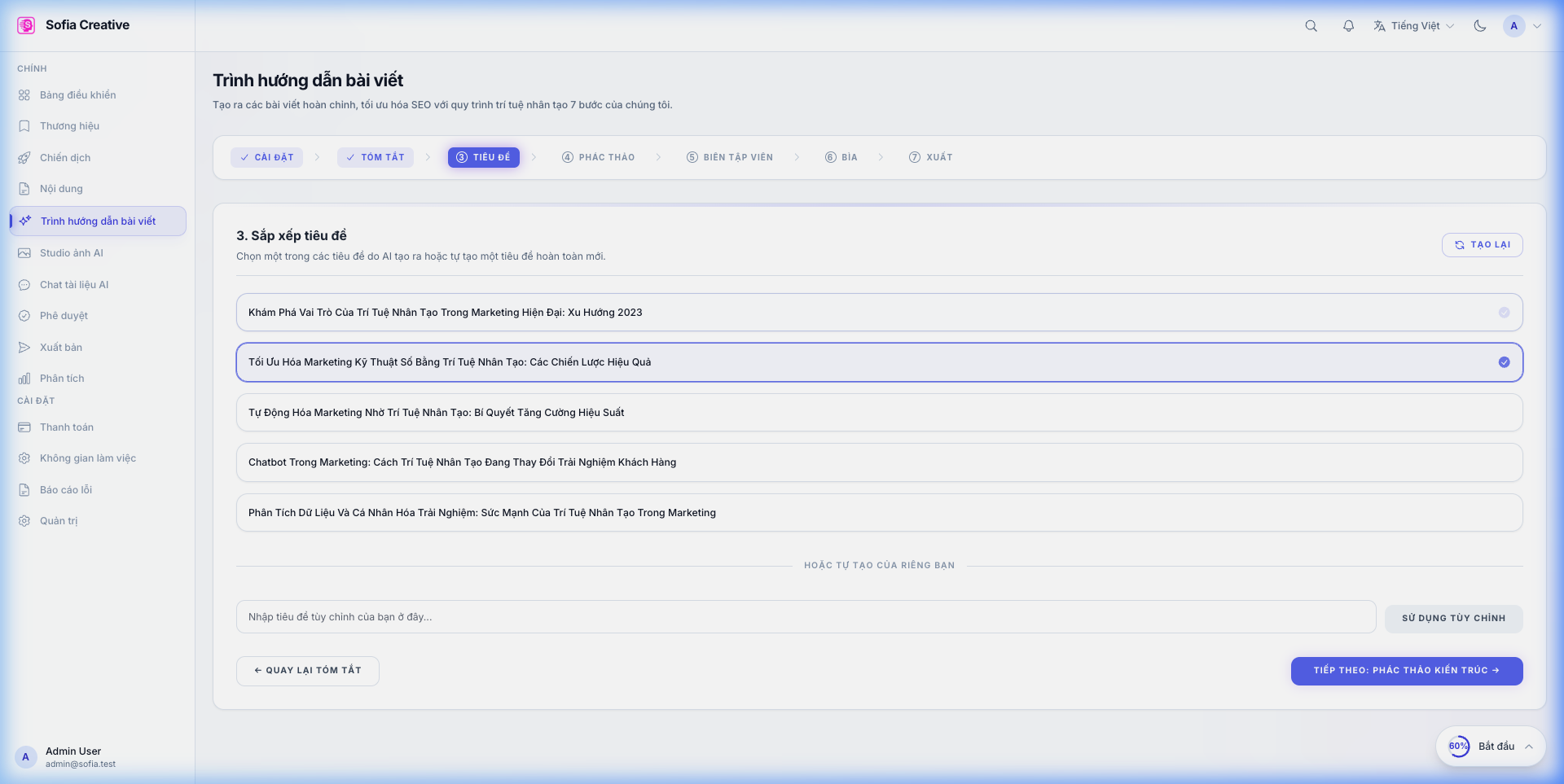
Step 3: Select Title (Title)
AI will suggest 5 attractive titles based on the brief. You can pick the one you like best or edit it yourself.
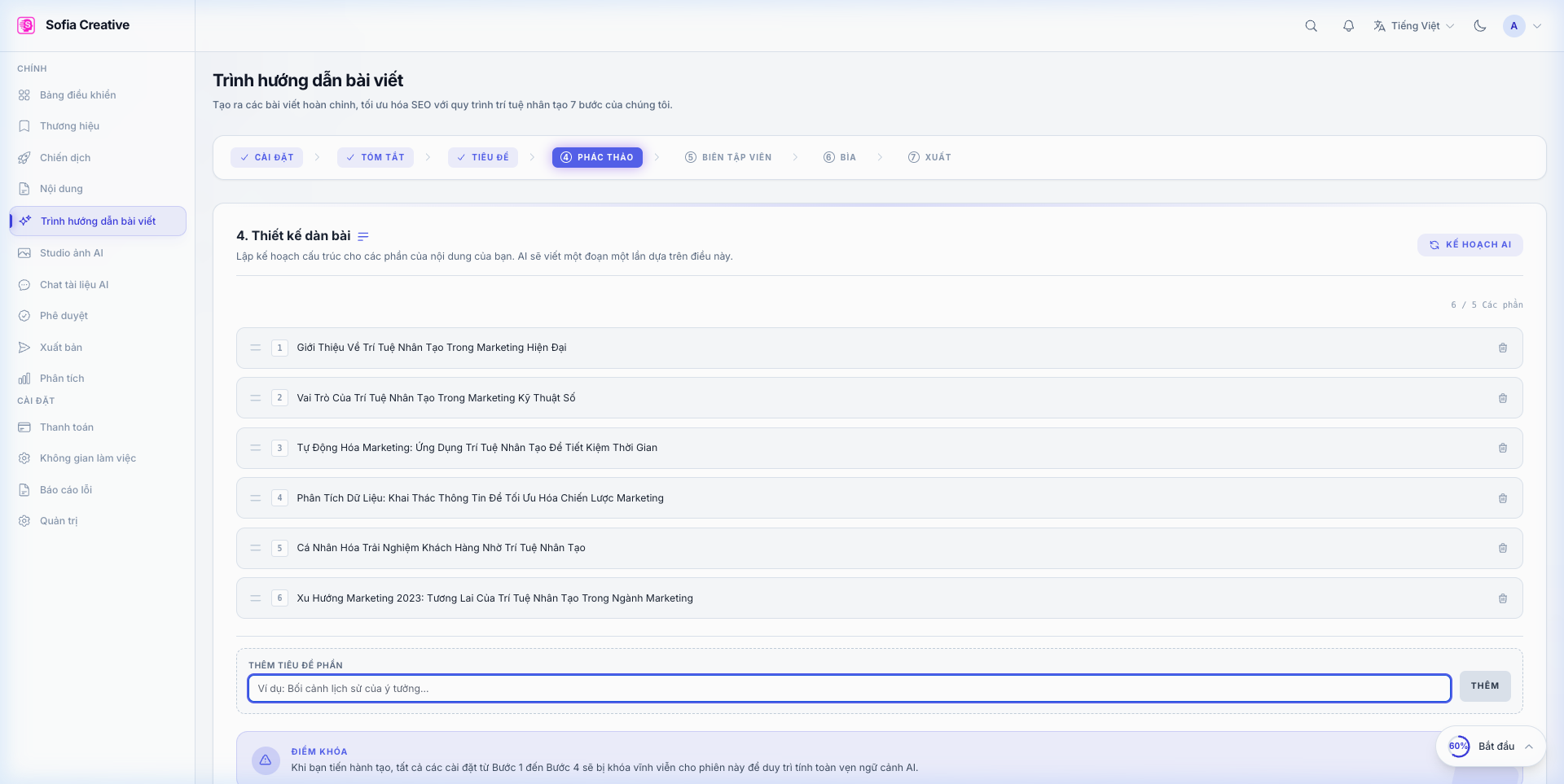
Step 4: Logical Outline (Outline)
This is the backbone of the article. AI will divide the article into sections (Introduction, Body 1, Body 2...). You can add, remove, or rearrange these parts before writing the detail.
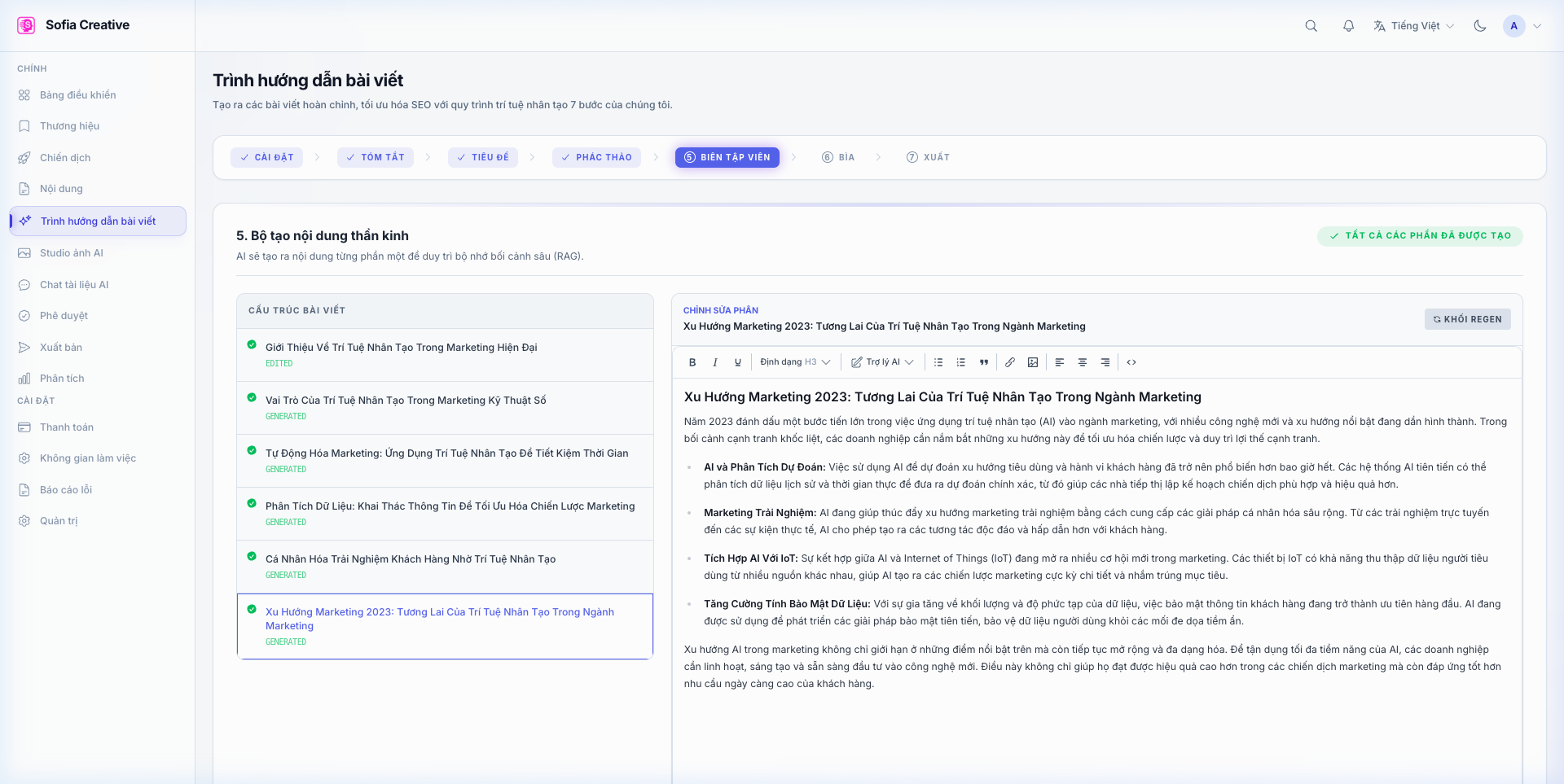
Step 5: Generate Content (Editor)
Click Generate All Pending. Article Wizard will write each part of the article sequentially. You can monitor the real-time streaming process and edit content as it is generated.
Once complete, you can export the article to WordPress or download it in DOCX/HTML format for use.