AI Image Editing: Remove Backgrounds, Erase Objects & More
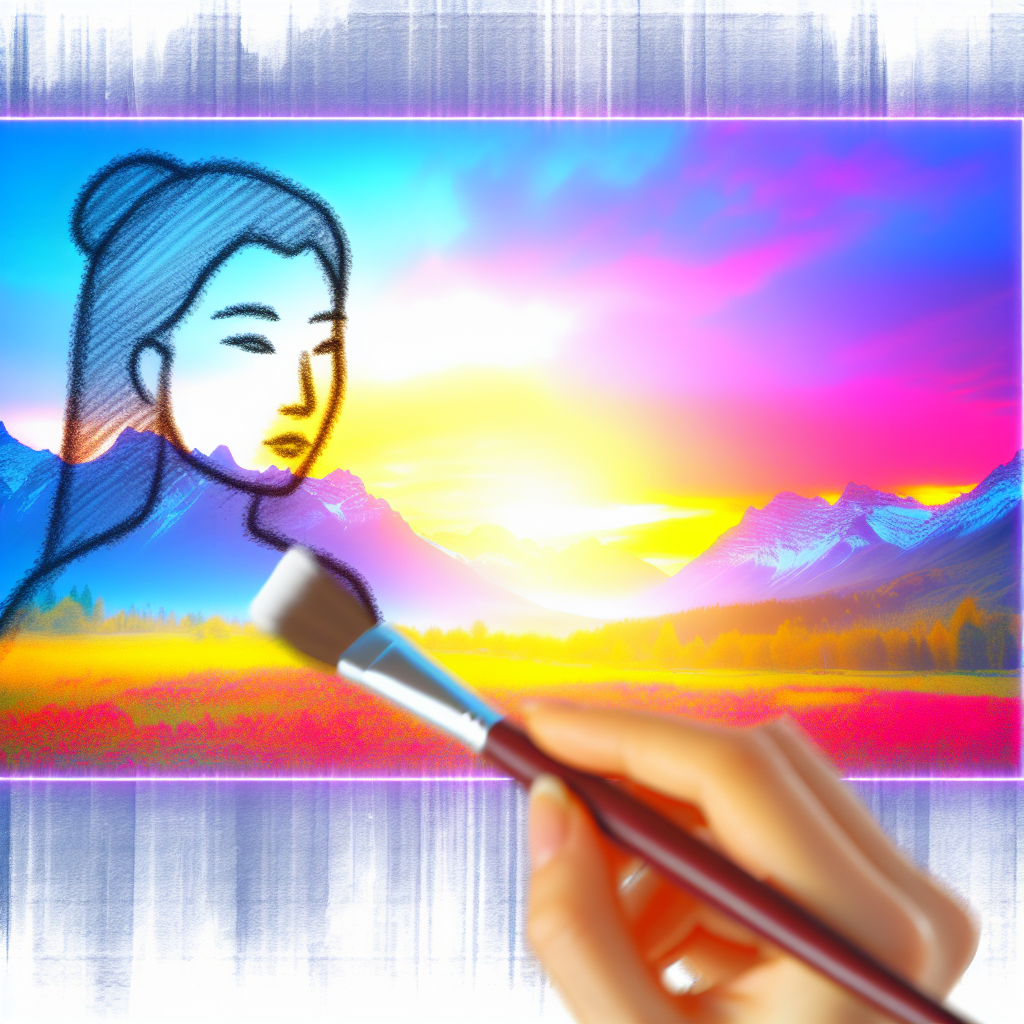
Sometimes you don't need a new image — you need to edit an existing one. Sofia Creative's AI Image Editing tools let you remove backgrounds, erase unwanted objects, and apply smart modifications without opening Photoshop.
Background Removal
Upload any image and remove its background with one click. The AI accurately detects the subject and creates a clean cutout with transparent background. Perfect for product photos, team headshots, or creating assets for social media posts.
Object Erasing
See something in your image that shouldn't be there? Use the eraser tool to brush over unwanted objects — watermarks, background clutter, or distracting elements. The AI fills in the erased area with contextually appropriate content, maintaining the natural look of the image.
Smart Inpainting
Go beyond simple erasing with inpainting. Describe what you want to appear in a specific area of the image. For example, replace a cloudy sky with a clear blue one, or add a product to an empty shelf. The AI generates content that blends seamlessly with the surrounding image.
Non-Destructive Editing
Original images are always preserved. Each edit creates a new version, so you can compare before and after, try different edits, or revert to the original at any time.
Integration with Content Workflow
Edited images are saved to your workspace media library. Use them as cover images, insert them into blog posts, or attach them to social media content — all within the same workflow.